Skip to content
Zbraz3D logo

Hollowing and splitting in your browser

Hollow your 3D models. Print lighter, spend less.

Zbraz3D opens your 3D file in a live 3D viewer and turns a solid model into an even shell, with the wall thickness and wall loops you choose, drain holes where you click, parts that fit your printer and a clear view of how much material you save.

Opens
5 formats
Preview
Free
Install
None
Demo on a loop: the cross-section moves through a chess pawn, the pawn is hollowed to an even 2 millimeter wall, then it is split into three parts with connector pins that spread apart and come back together.

Opens and exports the formats your tools already use

  • STL
  • OBJ
  • 3MF
  • PLY
  • STEP

Six operations, one workspace

Everything a print-ready mesh needs.

Every operation runs on your real geometry and only touches the areas you change. Combine them in one job and see the cost before you run it.

Hollowing

Remove the interior and keep a uniform wall at the exact thickness you set. Wall distance is measured from your real surface, and you pick Fast, Balanced or Fine detail for the inner shell.

  • Uses less resin and filament
  • Lighter prints
  • Outer surface untouched

Splitting into parts

Place your own cuts on X, Y and Z, then slide, slant and turn each one with handles right on the model, so the seams land exactly where you want them. Every part is checked against your printer.

Wall thickness generation

Set walls in millimeters and see the matching slicer wall loops. Open scans and paper-thin surfaces get real, printable walls in one step.

Drain and escape holes

Click exactly where resin should drain and air should escape. Set one diameter with the slider and every hole goes cleanly through to the hollow.

Connector pins

Add pins and matching sockets with print clearance to every cut, so split parts line up and lock together. Choose attached pins or separate dowels.

Mesh repair

Every model gets a free health check the moment it opens. When something is wrong, repair closes holes, fixes flipped faces and welds loose vertices so the result is watertight and ready to slice.

  • Closes open edges and holes
  • Points every face outward
  • Removes duplicate and broken faces
  • Checks the result is watertight

Try it right here

Dial in walls that match your slicer.

Drag the slider to change the wall of this pawn's cross-section. In the workspace you set the same thickness for your own model, and credits are only used when you download it.

2.0 mm

≈ 4.8 wall loops at 0.42 mm line width

Nozzle line width

Removed from this slice

—

Hollow your own model
Printed wall Hollow interior

How it works

Upload, preview, adjust, generate, download.

A focused flow with nothing in the way. Previewing is free, a hollow model costs 4 credits to download, and parts are paid when you generate them.

  1. 01

    Upload

    Drop an STL, OBJ, 3MF, PLY or STEP file. It opens instantly, no account needed.

    Free
  2. 02

    Preview

    Orbit, measure and slice through the model with the cross-section slider. Check its health at a glance.

    Free
  3. 03

    Adjust

    Set walls, place drain holes, choose cuts and pins. The exact credit cost updates as you go.

    Free
  4. 04

    Generate

    Generate parts to cut your model along the cuts you placed, into pieces that fit your printer. Credits are reserved, and charged only if it succeeds.

    Uses credits
  5. 05

    Download

    Get the file in any of the five formats. A hollow model costs 4 credits, parts you generated download free, and re-downloads are always free.

    Free re-downloads
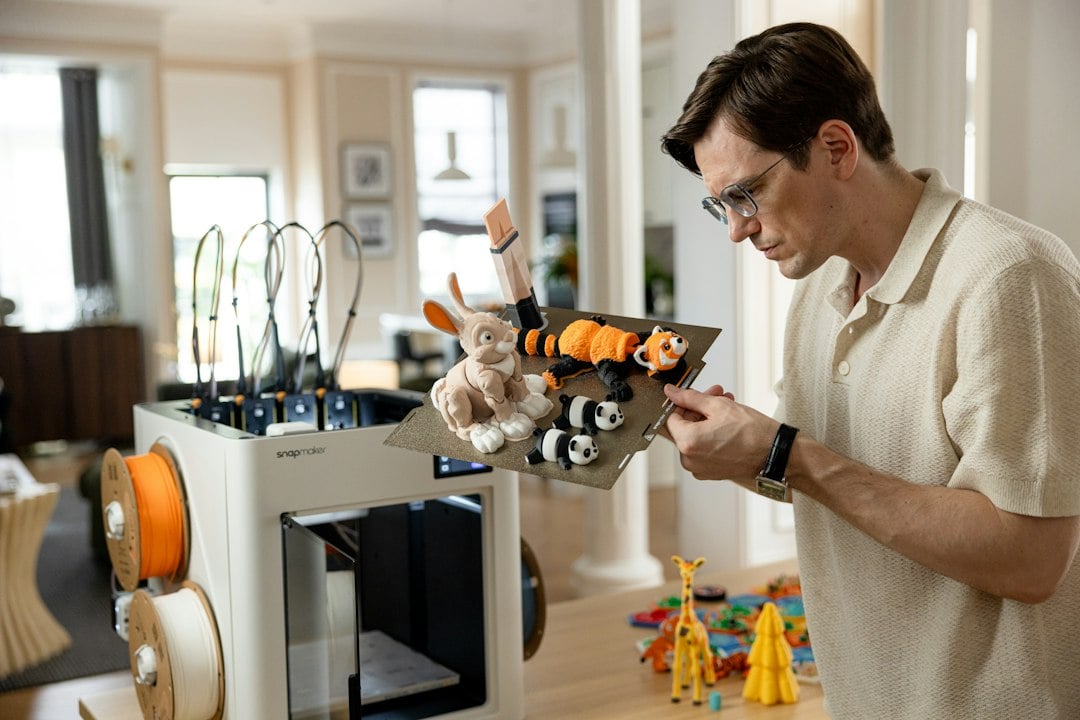
A maker working at a 3D printer surrounded by printed figures

Quality promise

Changes only where you hollow, cut or drill.

Quality preservation

Your surface stays yours.

Many tools rebuild the whole mesh to hollow it, softening the details you worked hard on. Zbraz3D never touches the outside of your model unless you ask it to.

Original vertices kept
The outer surface is never remeshed. Untouched areas leave with exactly the points they came in with.
Full precision
Coordinates keep the precision of your original file all the way to the export.
Exact walls
Wall thickness is measured from your real surface, so a 2 mm wall is 2 mm where it matters.
Watertight results
Every result is built as a closed, solid mesh before you download it, ready for your slicer.

Built for real print workflows

Resin or FDM, it fits how you print.

Resin printing

Less resin, less suction, fewer failed prints.

Hollow figures and props to the wall you trust, then add drain holes near the build plate so trapped resin can escape and cups do not form.

  • Hollowing with Fast, Balanced or Fine inner detail
  • Drain holes placed exactly where you click
  • Material estimate before you print
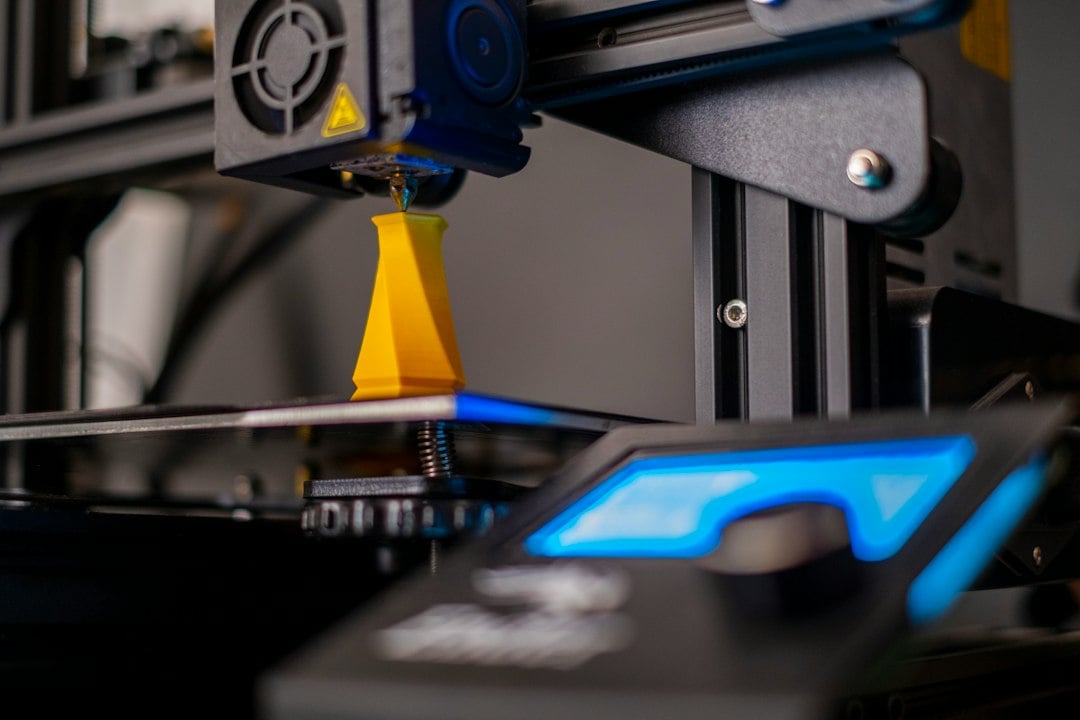
Close-up of a 3D printer at work

FDM printing

Big models, any bed size.

Pick your printer's build volume, place your cuts where the seams hide best, and see right away whether every part fits. Pins keep every part aligned when you glue them.

  • Your own cuts on X, Y and Z, slanted and turned to any angle
  • Hollow parts closed with a solid wall at every cut
  • Optional connector pins with adjustable clearance
  • Every part checked against your bed

Fair credits

Pay for results, never for looking.

Credits follow the real work a job takes. Small jobs cost less, bigger meshes and multi-part splits cost more, and you always see the price before you press generate.

  • Failed jobs are never charged. Credits are only taken when a job succeeds.
  • Re-downloads are free. Originals and results stay in your library.
  • Packs or monthly plans. Top up once, or get credits added every month.
See prices and plans

What jobs cost

Examples using the published credit prices.

  • Hollow a 40k-triangle figurine with drain holes

    Hollow model 4, drain holes included

    4

  • Split a 300k-triangle helmet into 4 parts with pins

    2 cuts 2 + pins 2, larger mesh ×2

    8

  • Give an open 3D scan real walls

    Wall generation 2

    2

  • Convert a STEP file to 3MF

    Export only 1

    1

Your profile

Every model, job and export in one place.

Saved models

Originals are kept exactly as you uploaded them, ready to reopen in the workspace.

Previous jobs

See what each job did, how many parts it made and what it cost.

Exports

Results are stored as separate files, so you can download them again at no cost.

Credits and billing

Your balance, plan and full history of purchases and job charges.

Questions and answers

Good to know.

Something else on your mind? Send us a message.

Do I need an account to try Zbraz3D?

No. Uploading, previewing, measuring and cross-sections are free without an account. You create a free account when you want to generate, and new accounts get 10 free credits.

Which file formats are supported?

STL, OBJ, 3MF, PLY and STEP, for both opening and exporting. STEP exports contain the mesh as a solid made of flat faces that CAD programs can open.

Does hollowing change the surface of my model?

No. The outer surface keeps its original vertices. Only the inside is removed, plus any holes, cuts or pins you add.

How is the credit cost calculated?

Each operation has a small credit price and larger meshes multiply the total. The exact cost is shown before you run a job. The full list is on the pricing page.

What happens if a job fails?

Credits are reserved when a job starts and charged only when it finishes successfully. If it fails, the reservation is released and nothing is charged.

Where are my files stored?

Previewing happens entirely in your browser. When you generate, the original and the results are saved privately in your account library, and only you can download them through short-lived private links.

Do I need to install anything?

No. Zbraz3D runs in a modern desktop browser. The heavy geometry runs in a background engine so the interface stays responsive while a job works.

Can I cancel a subscription?

Yes, from the Billing page at any time. Your plan and its credits stay active until the end of the paid month.

Your next print starts hollow.

Open a model now. Previewing is free, and a new account comes with 10 credits.